
What is MiKey?
MiKey is a phone-as-a-key system that allows you to maintain full functionality of your vehicle without having to carry your vehicle’s key fob on you.
MiKey is designed to allow different levels of user sharing through the app.
-
MiKey can be installed at any authorized Mitsubishi dealership across Canada.
Talk to your dealer for more information.
-
MiKey communicates with your phone through an always active Bluetooth connection. This allows your phone to remain in your pocket while you access your vehicle, emulating the same experience as carrying your vehicle’s smart key fob.
Supported Vehicles
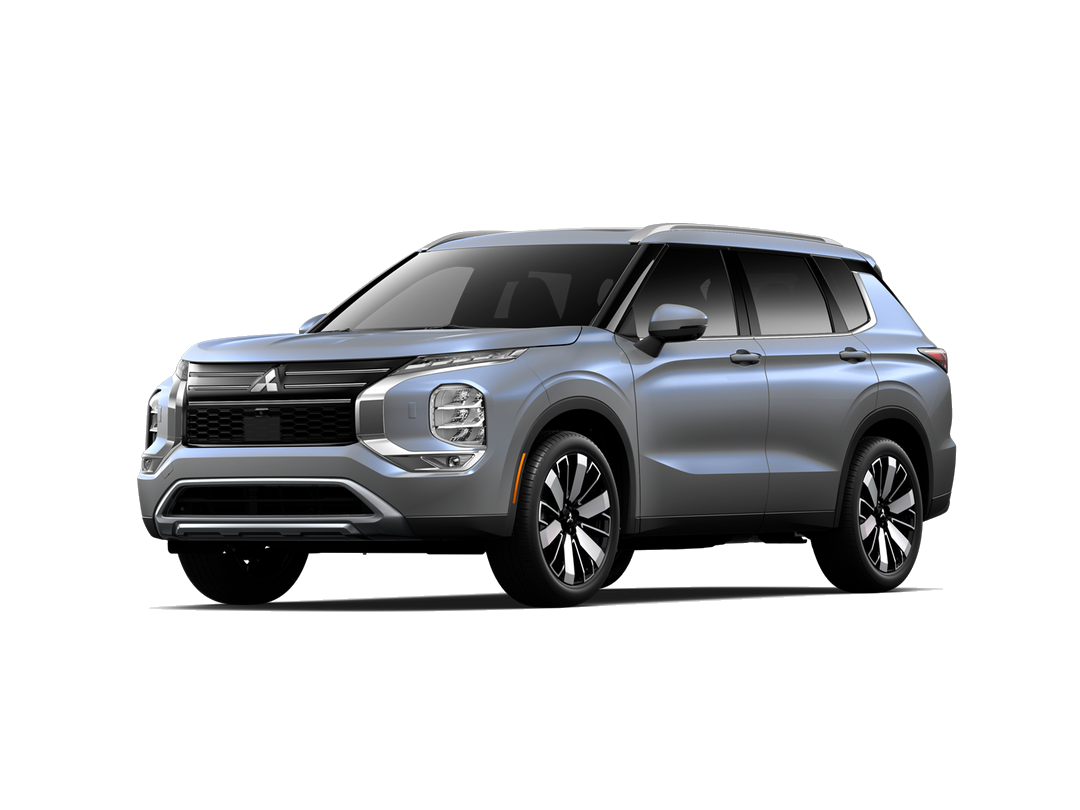
2025-2026 Mitsubishi Outlander
Trims: all except ES
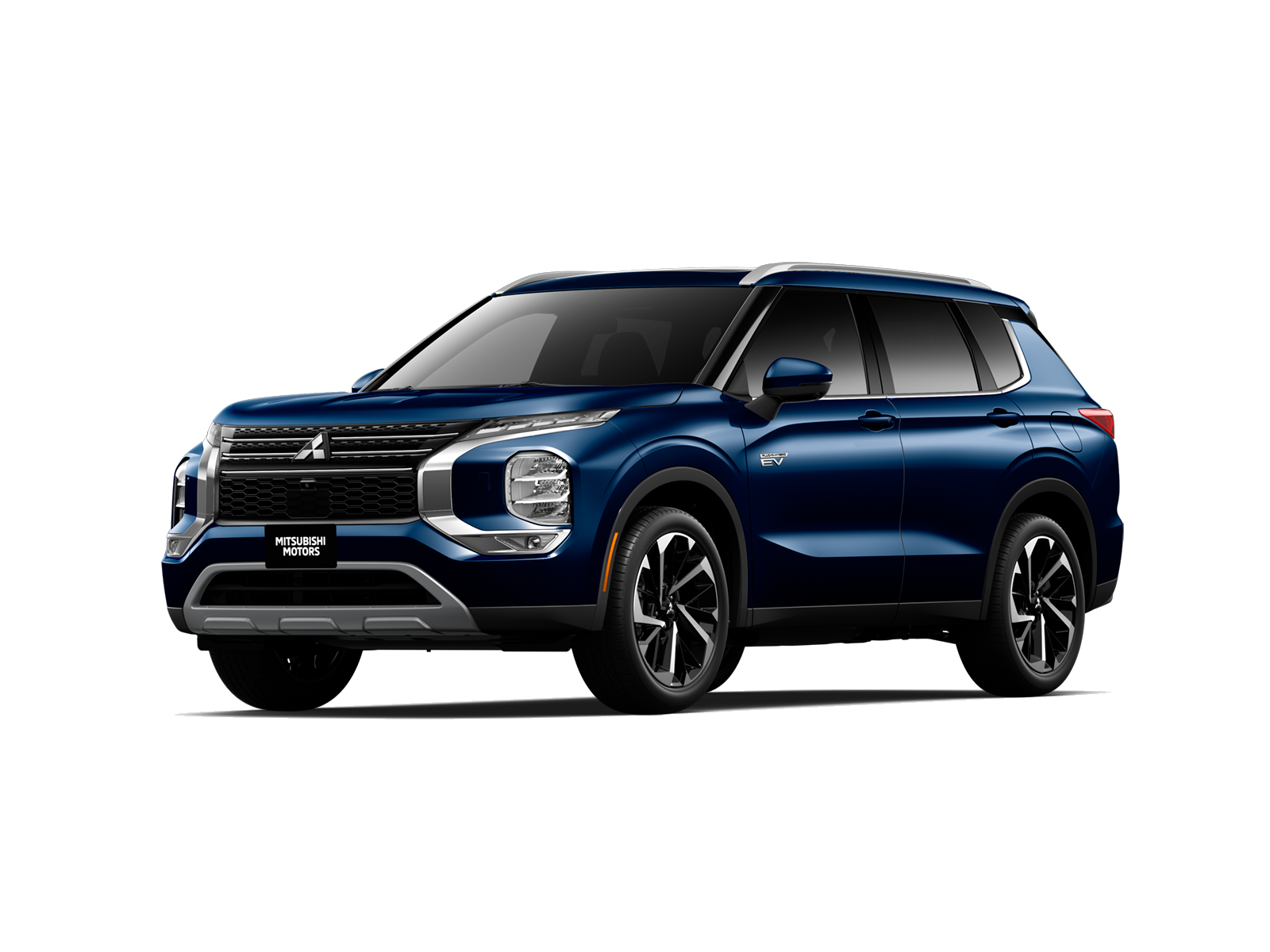
2025 Mitsubishi Outlander PHEV
Trims: all except ES S-AWC
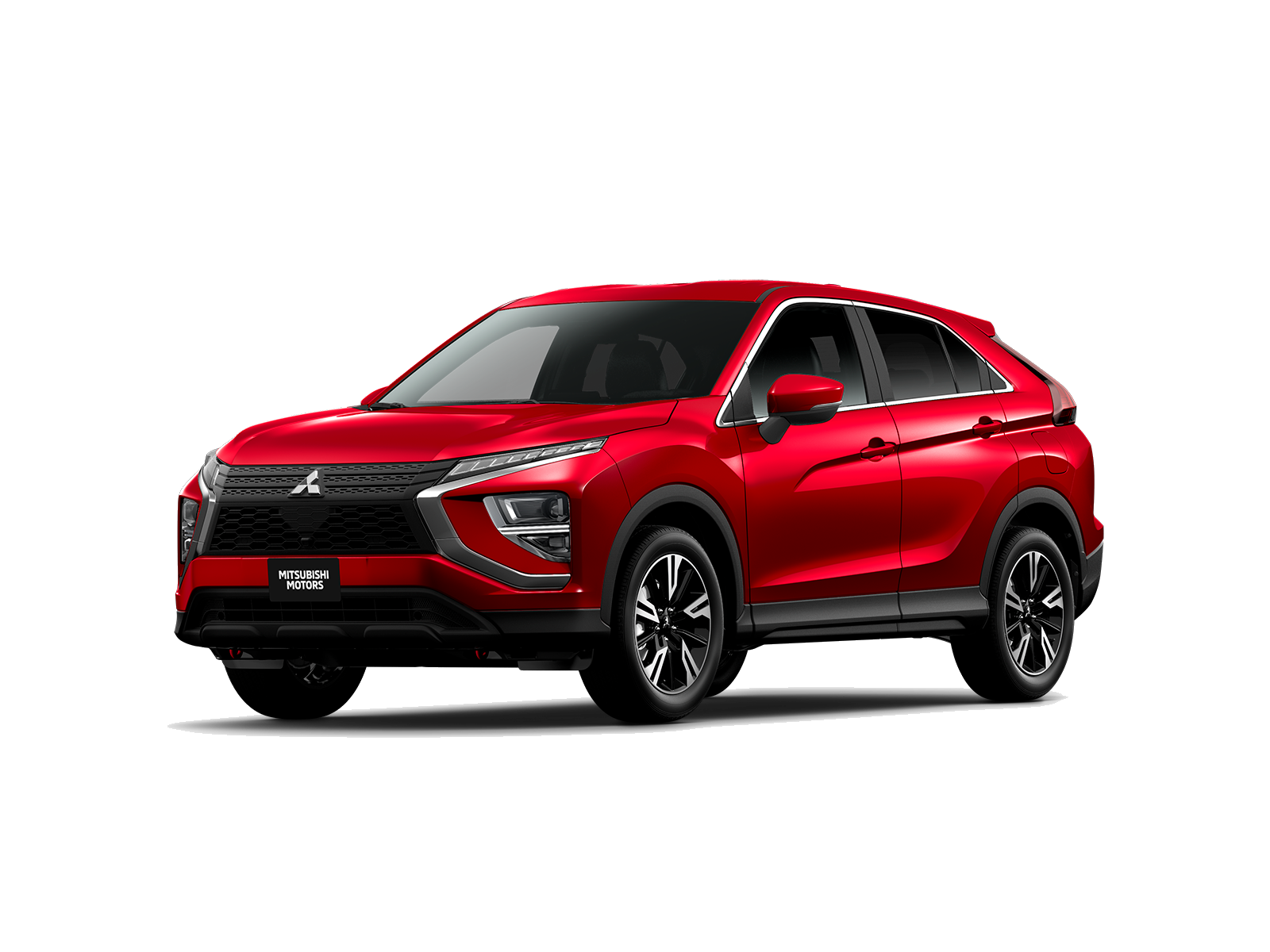
2025-2026 Mitsubishi Eclipse Cross
Trims: all except ES S-AWC
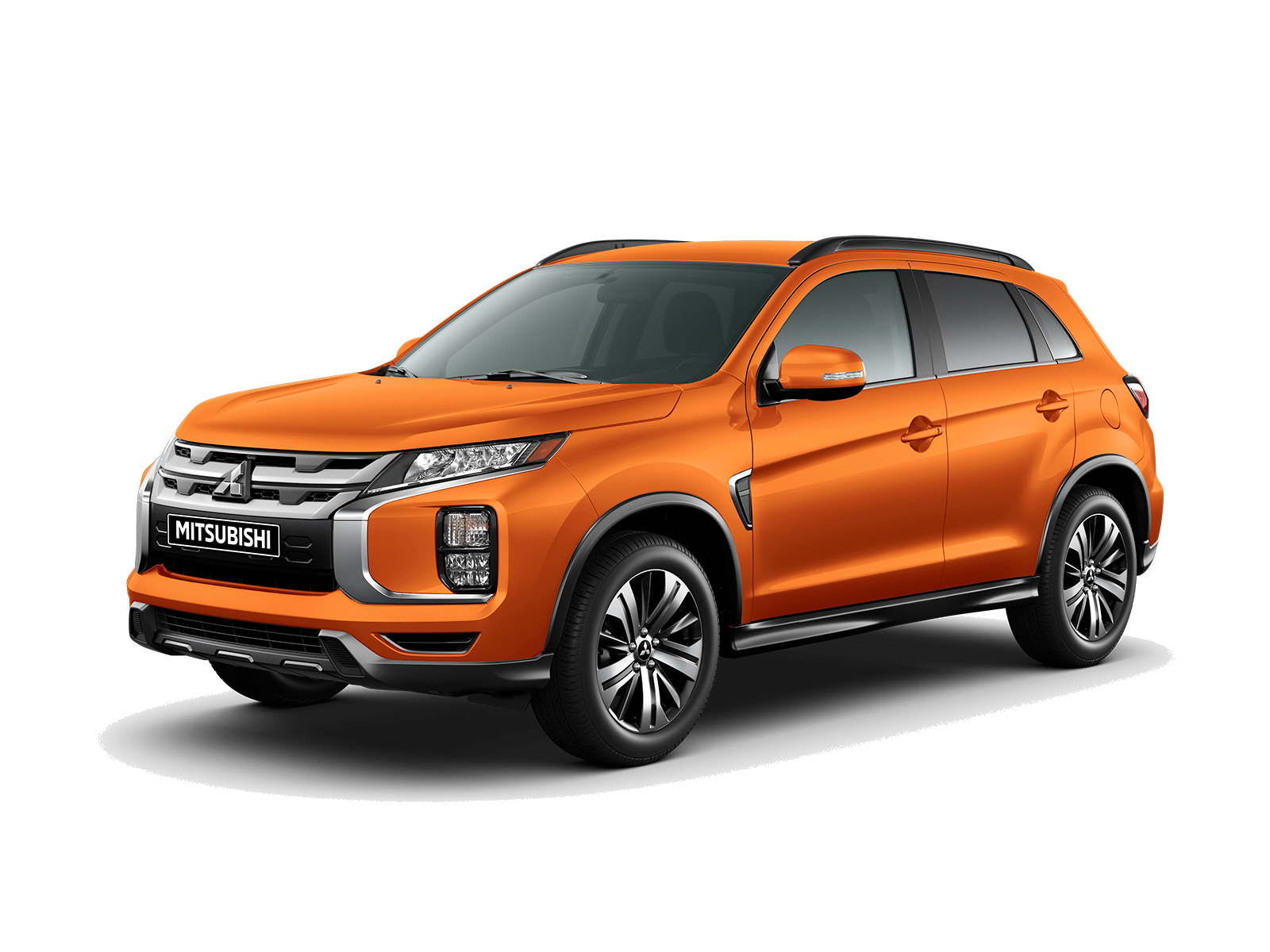
2025-2026 Mitsubishi RVR
Trims: SEL AWC, GT AWC, NOIR AWC
What’s Included
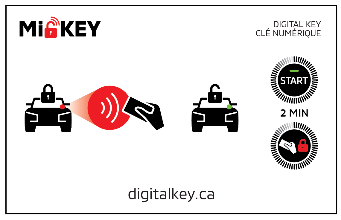

2x NFC Cards
1x NFC Sticker

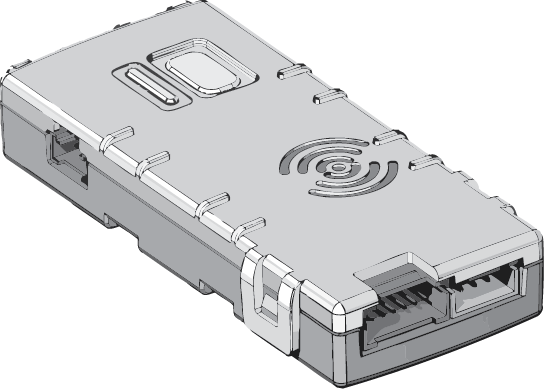
NFC Reader
Main Module
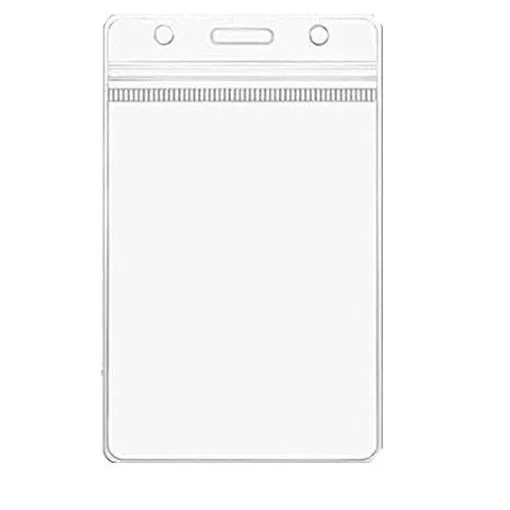
1x NFC Card Pouch
Frequently Asked Questions
&
Troubleshooting
-
While the MiKey app for both Android and iOS requires location permission, the app does not collect your location. Instead, location is required to allow a seamless background connection to your vehicle’s system.
-
There is no limit on how many people can have access to your vehicle.
-
You can visit your Mitsubishi dealer to order a replacement.
-
Any iPhone running iOS 15.0 or higher.
Any Samsung, Google Pixel, or Motorola phone running Android 7.0 or higher.
-
To get the fastest response with MiKey, it’s recommended to keep the MiKey app open. If the app is closed, it will relaunch when your vehicle is detected, which takes a moment to re-establish the connection and may delay response time.
-
Your vehicle needs to detect your phone as inside your vehicle in order to start or stop. MiKey is tuned to work best when your phone is positioned in the wireless charger of your vehicle.
-
The implementation of how MiKey interfaces with the vehicle’s electronics causes all users of MiKey to share the same key profile.
-
Location Permission for the MiKey app is set to ‘Always Allow.’
Airplane & Power-Saving modes are turned off.
You have the latest version of the app and the latest version of your phone’s operating system.
Your phone’s Bluetooth is turned on.
You are signed into your MiKey account and are authorized to drive the vehicle (primary or shared user).
Ensure your phone is kept a distance away from metal objects or other electronic devices.
Make sure your vehicle’s battery is not depleted.
Guides and Documentation
User Manual (English)
User Manual (French)
How can I get Support?
Make sure to first read the owner’s manual, frequently asked questions, and troubleshooting steps. If your issue is still not resolved, contact your Mitsubishi Dealership for further assistance.